← Help Centre

Using your audio stone

You'll need your phone, your Wi‑Fi password, and a power outlet.

  1. Remove all packaging, including the protective film on the bottom of your Rokk and top of your charging base.

  2. Plug the charging base into the wall using the supplied cable and plug adapter. 

  3. Download the Rokk app by scanning the QR code in your booklet or visiting rokk.com/app. Sign up with your email, Apple, or Google. 

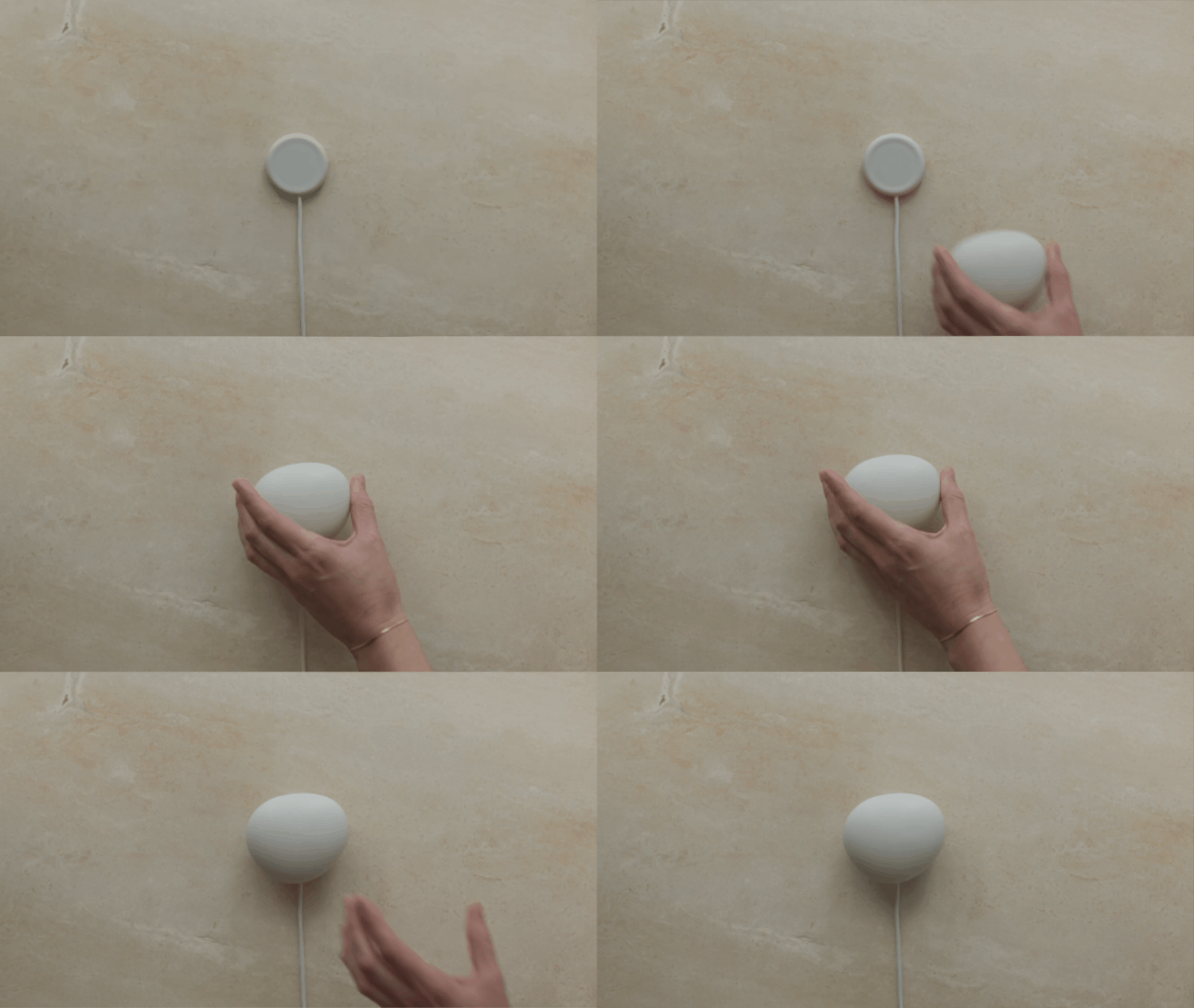
  4. Press and hold the power button on the bottom of your Rokk until the small power light comes on, then place your Rokk light-side down flat on the center of the charging base. Keep it there for the whole of setup. 

  5. Follow the instructions in the app, and allow Bluetooth when prompted. The app will find your Rokk and pair with it; when successful, you'll hear a chime the first time it pairs. 

  6. Choose your Wi‑Fi network and enter the password. Your Rokk plays a sound when it connects, and another when your account is linked. 

  7. The app may update your Rokk. Leave it on the charger until the update finishes. 

  8. When the app tells you to, tap the top of your Rokk to play your first session. 
  • Top (touch): tap to listen or pause, double‑tap to skip, tap and hold to record a Voice Note. 

  • Power button (underside): press and hold until the power light comes on to power on; hold until it goes off to power down. Double‑click to enter Bluetooth pairing mode. 

  • + and – (underside): tap to change the volume. Volume can only be changed while audio is playing. 

  • Pinhole (underside): factory reset only; see Fixing a Problem & Safety. 

When your Rokk is on

The small power light on the underside is lit. When you power it on by pressing the power button, the light comes on immediately, and the startup sound plays once it finishes starting up. 

The Rokk app also shows whether your Rokk is connected.

When your Rokk is off

The small power light on the underside is off. To power off your Rokk press and hold the power button until the power light turns off. 

Charging & Power

  1. Connect the cable to the provided power adapter
  2. Plug the power adapter into the wall outlet
  3. Place your charger base, protective film face up, on a flat, hard surface
  4. Remove the protective film from your charger base
  5. Remove the protective film from the underside of your Audio Stone
  6. Place your Audio Stone flat and centered on the charger

Rokk's wireless charging base provides optimal magnetic alignment. Your Rokk is designed to live on its charger, and you can use it while it charges.


No. Your Rokk uses its own charging base (Rokk P1) and isn't compatible with other wireless chargers. Please only use the supplied wireless charging base, cable, and adapter.

Still have questions? Contact us at hello@rokk.com